Localix
For designers who have standards.
Original release date: 16 May 2026
Localix is a free and open source native desktop privacy toolkit for macOS — designed for anyone who handles sensitive images: journalists, security researchers, OSINT analysts, and privacy-conscious users. Strip metadata, split secrets, hide files in plain sight, watermark, encrypt, and batch-process everything locally. Nothing ever leaves your machine. Distributed as a native unsigned DMG for Apple Silicon (arm64) — no Apple Developer ID, no notarisation.
Localix is now 100% open source — the source code lives on GitHub, and the app can auto-update directly from GitHub Releases (optional).
Installation (macOS, Apple Silicon)
Localix is distributed without an Apple Developer ID or notarisation (deliberate, open-source). macOS Gatekeeper may warn that the app is not verified — this is normal and safe.
-
Download
Localix-<version>-macos-arm64.dmgfrom GitHub Releases. - Open the .dmg, drag
Localix.appintoApplications. -
Remove the quarantine attribute in Terminal:
xattr -cr /Applications/Localix.app - First launch: right-click
Localix.app→ Open → click Open in the warning dialog.
Messages like "Localix is damaged" or "the developer cannot be verified" are Gatekeeper warnings, not corruption. xattr -cr clears the quarantine flag. If you build from source yourself, no extra steps are required.
Everything you need
Ten tools. One application.
Zero compromises.
Every operation runs locally. Your files never touch the network.
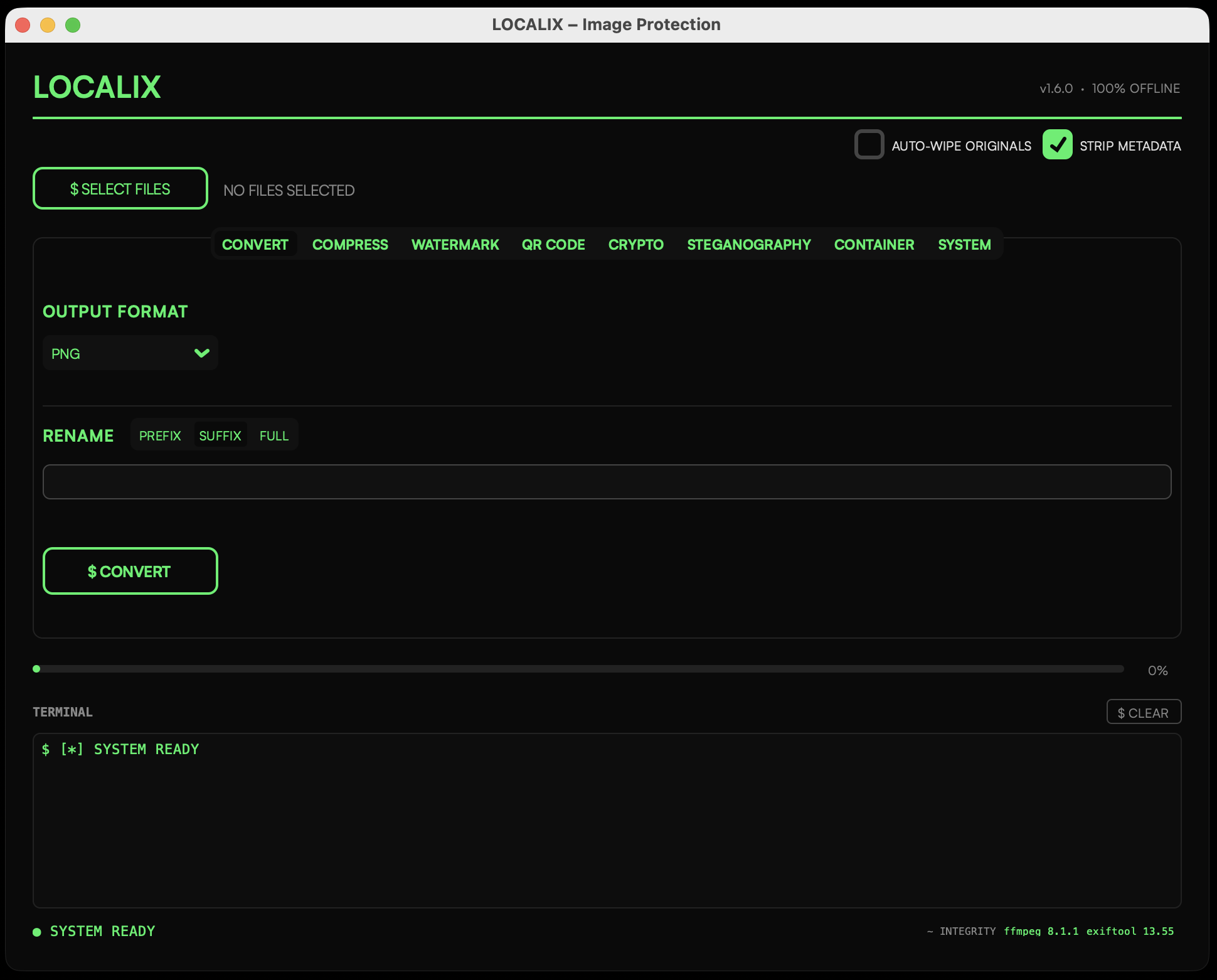
Convert
Convert between any format — PNG, JPEG, WebP, TIFF, BMP, GIF, MP4, MOV, AVI, MKV, WebM. Strip EXIF/XMP/IPTC metadata with exiftool -all= during conversion.
Compress
Batch-compress photos and videos while keeping metadata stripping intact.
Batch • Photos • VideoWatermarking
Two modes: simple single-position text overlay with configurable opacity, or Filigrane — a repeating tile pattern with density and orientation controls. Live preview on every adjustment.
Presets • Filigrane • Live previewQR Code
Generate QR codes with custom foreground colors, background, error correction, and logo overlay. Optionally watermark the result and save directly to output.
Custom colors • Logo • FiligraneCrypto
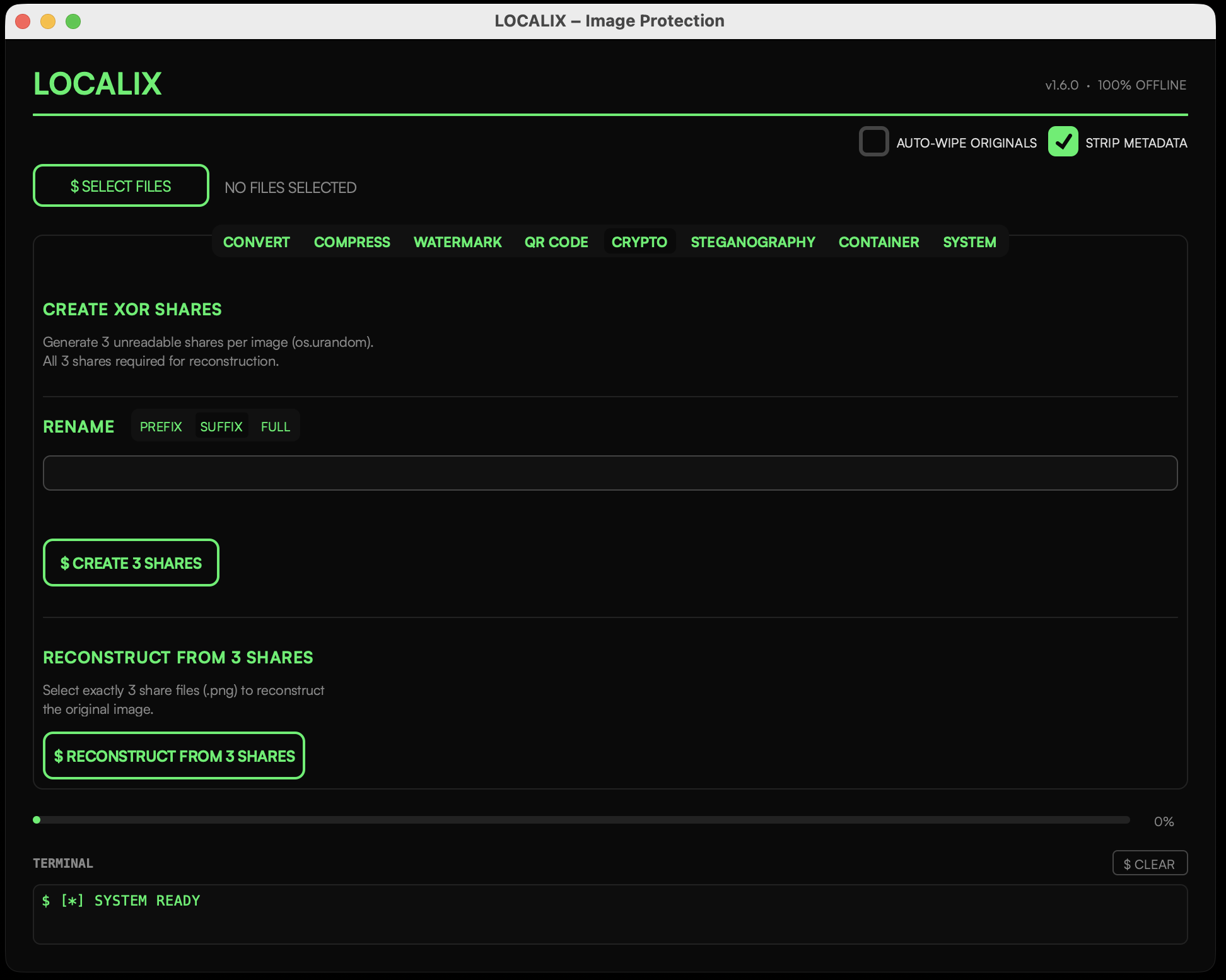
Split any image into 3 cryptographically-random XOR shares. No single share reveals anything. All 3 shares required for reconstruction. Pure random noise via os.urandom().
Steganography
Hide any file inside a carrier image by replacing the least significant bits of each pixel. Optional XOR-based password protection.
Encode / Decode • PasswordCustom Signature
Sign images with your own RSA or ECDSA private key (PEM). Keys are mlock'd in RAM and zeroed on quit. Verify authenticity of any signed image.
Integrity
Auto-verify the Localix binary via Fernet self-check at every launch. Badge shows ✓ INTEGRITY or ✗ FAILED in the status bar. Tamper detection at zero trust — no GPG required.
Container
Encrypt all processed output into a single password-protected archive. AES-256 via pyzipper. Optional auto-wipe of originals after packing.
AES-256 • Auto-wipeSystem
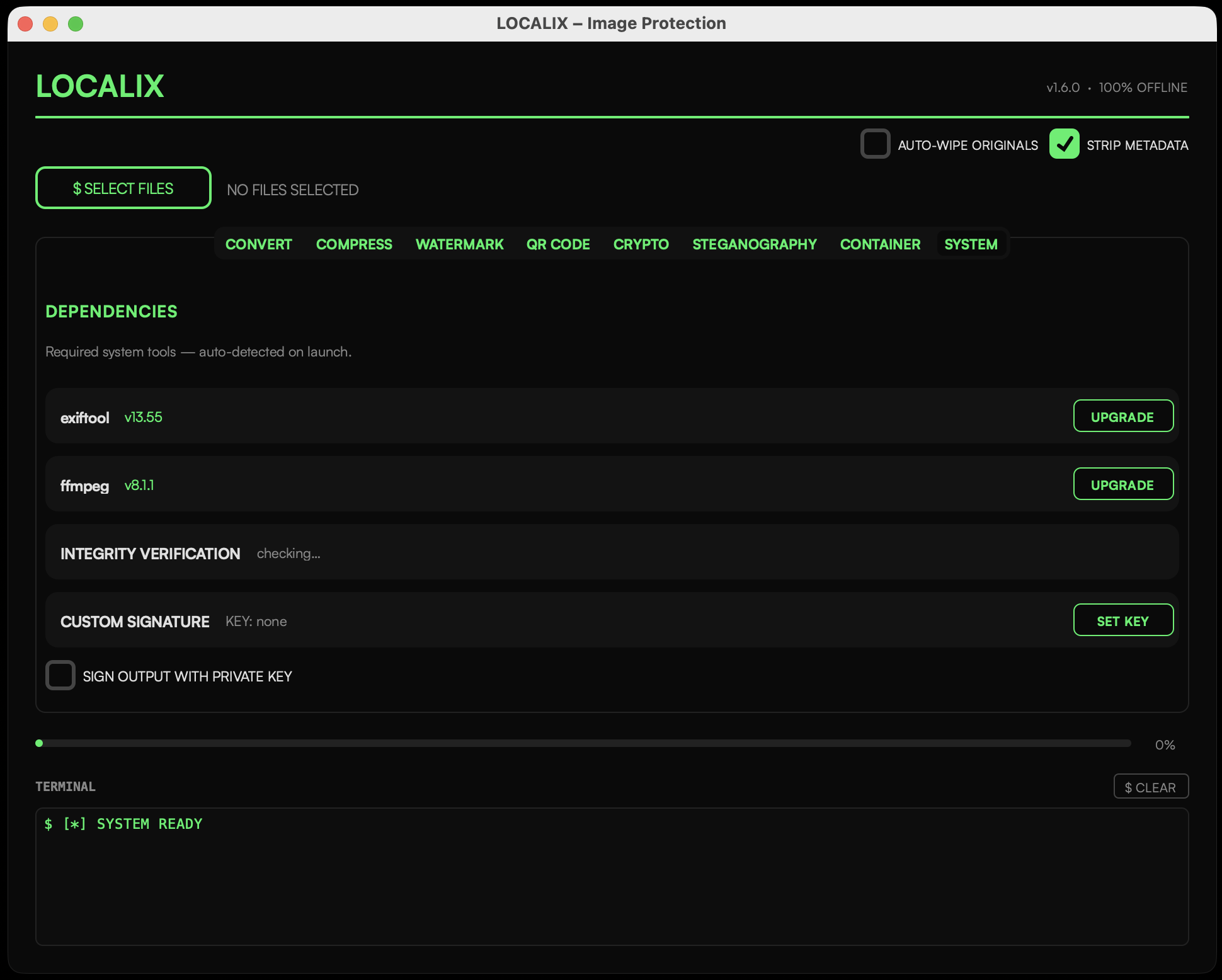
Manage exiftool and ffmpeg installations — check version, auto-install via Homebrew, or upgrade. Ensures all dependencies are ready before processing.
exiftool • ffmpegSimple workflow
Select. Configure. Execute.
No learning curve.
Select Files
Drag and drop or pick files. All common image and video formats supported — JPEG, PNG, WebP, MP4, MOV, and more.
Choose Operation
Pick from the tab bar: Convert, Compress, Watermark, QR Code, Crypto, Steganography, Container, Signature, Integrity, or System.
Execute
Hit the action button. Batch processing with live progress bar. Rename files with PREFIX/SUFFIX/FULL before output.
Privacy Guarantees
Trust is not required.
Verification is.
Localix is 100% offline for image processing. The only optional network access is for automatic updates (checks api.github.com for the latest release, verifies SHA-256, downloads the DMG, replaces the app, removes quarantine with xattr -cr, and relaunches). No Apple servers are involved.
No telemetry, no analytics, no crash reporting, no account required, no author identity exposed. Integrity verification (Fernet-SHA-256) remains valid on unsigned builds.
Free & Open Source
Open source. Open updates.
No hidden agenda.
Localix is released as free and open source software. The entire codebase is public on GitHub — you, or anyone else, can audit, build, and verify every line before it ever runs on your machine.
Updates are delivered automatically, straight from the official public repository. No staging servers, no private build farms, no mystery binaries — what you install is exactly what the community can see and rebuild.
Why FOSS matters here
-
Auditable & identity-free. Every operation compiles from public source — metadata stripping, steganography, crypto, integrity checks. No Apple Developer ID, no notarisation, no author name/email in the code or on this site.
-
Trustless updates. Auto-update checks api.github.com/repos/ironclad-network/localix/releases/latest (one GET on launch, silent on failure), verifies SHA-256, mounts the DMG, replaces
Localix.appwithditto, runsxattr -crto clear quarantine, and relaunches. No Apple servers required. -
Community-driven. No license fees, no embargoed builds. Issues, PRs, and releases are public for the whole community to inspect and improve.
What's new
Changelog — v1.8.0
01 Jun 2026
-
Watermarking Overhaul
Logo overlay support, font/color/angle/size/opacity controls, background pill, video watermarking via ffmpeg, format preservation, and EXIF metadata copy. The Filigrane pattern mode remains but is now mutually exclusive with text overlays.
-
Custom Dialog System
Localix now features themed popup dialogs — error, info, warning, and confirm — matching the app's visual style across all interactions.
-
Scrolling & Usability
Trackpad and mouse wheel scrolling now works in all tabs. Batch processing progress bars are live across convert, compress, watermark, and rename operations.